Password
Passwords are added to restrict unauthorized access to private projects.
What Happens When Opening a Password Project?
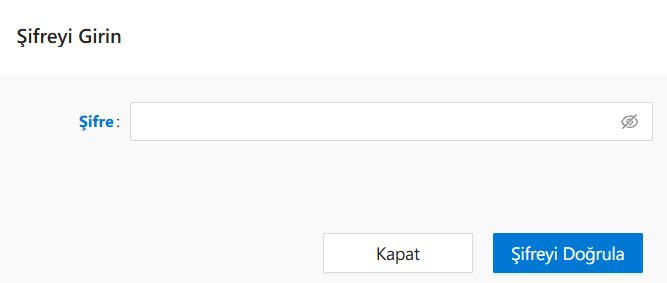
In the Open Existing Project panel, when you click the Open button for a password-protected project, a dialog titled Enter Password appears. This prevents unauthorized access and ensures that only permitted users can open and edit the project.
Notes
- A lock icon indicates that the project is password-protected.
- These passwords are typically set by the project creator or an administrator.
- If the password is forgotten, it must be reset by an authorized user; there is no auto-recovery from the UI.
See Also
- #linkDocument (DeveloperGuides.IDE.TopMenu.File.OpenAnExistingProject.OpenVersionButton)
FAQs
- Is there a character limit or rule when setting a password?
- How can I identify a password-protected project?